
Search, sorting and ordering your listings
At the top of your listings page are options to help you find the listing you want:
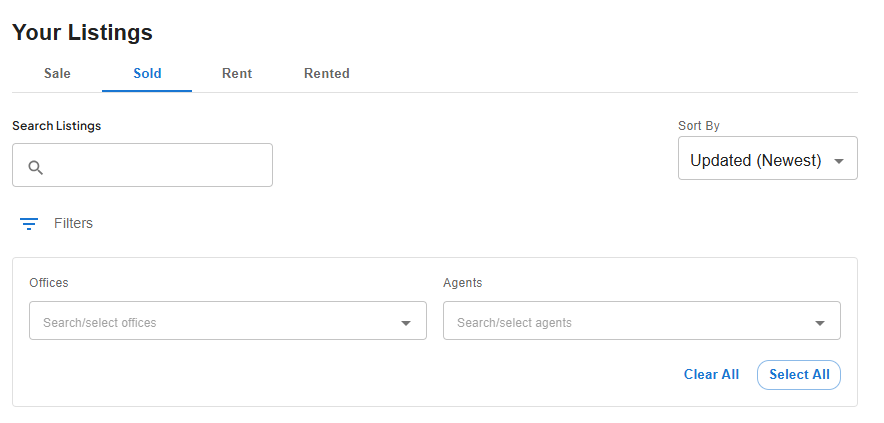
The search box will search the address and title of the listings.
The Sort By dropdown will order your listings - the default will show you the most recently updated at the top.
Clicking the filter icon reveals the filter and you can filter your listing by office (if you have multiple offices) and by agent.