
Listings Overview
Listings are updated automatically from your website or pulled from your CRM.
If your account has access to more than office, you will see all of the listings from all of your offices. You can filter listings from particular offices with the office filter widget.
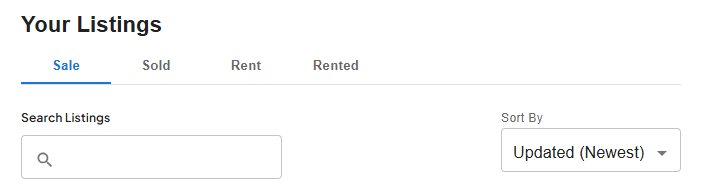
By default, your listings are sorted from the most up to date, however you can change that using the Sort By dropdown.
Listings are categorised into their listing status, Sale, Sold, Rent and Rented. The Sold status could represent properties that have gone into an unconditional state, or when the property actually settles, depending on your preference.
You can use the search to find listings:
You can also filter by office or agent if you have many:
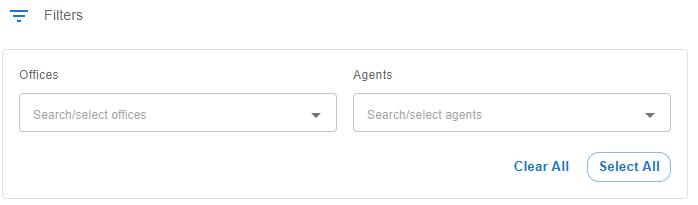
When you select offices or agents, only the listings for those selected will show.