How to tell who connected the social channel
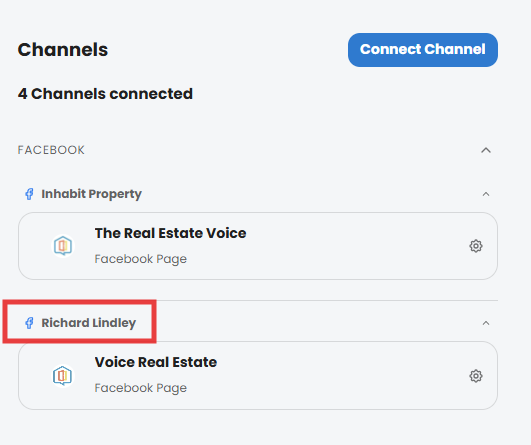
When you click on the Channels menu item, you will see a list of channels. The name at the top of the channel(s) is the name of the account that performed the connection to TREV.
If you were on an older version of TREV and were migrated, sometimes you will see the name of your agency as the person who connected the channel.
Here you can see the imported channel at the top, and a new connection underneath, performed by Richard Lindley:
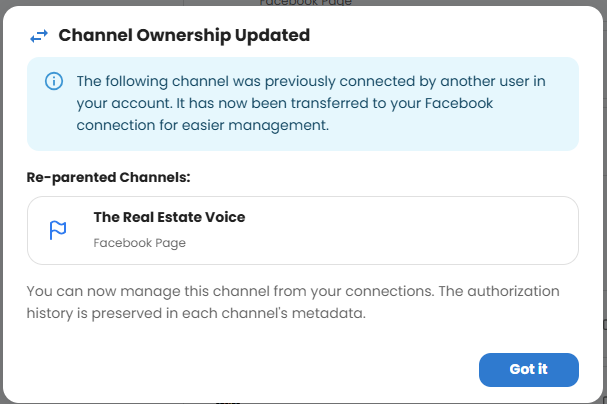
Disconnecting and re-connecting the social channels will re-assign the authorising account on the list of social channels. You will see a Channel Ownership Updated notification like this: